
The short answer: for most American visitors, a data-only travel eSIM for Morocco, bought and installed at home before the flight, is the simplest way to stay connected. First check that your phone is eSIM-capable and carrier-unlocked, then pick a plan that covers every day of your trip, install it on your home Wi-Fi, and switch it on when you land. A Moroccan SIM from Maroc Telecom, Orange or inwi only makes sense if you need a local number or stay for weeks.
How we put this together. Compatibility steps come from Apple's and Google's own support pages; the plans described come from the provider's Morocco page; the rules for local SIM cards come from Moroccan regulatory reporting. All were checked in October 2026. eSIM prices change often and vary by provider, so we tell you where to compare them rather than quote a figure.
Staying connected is one of the practical pieces covered in our guide to getting around Morocco by train, bus, taxi or car. This page goes deeper on the phone side: what to buy, and how to set it up.
Key takeaways
- A travel eSIM for Morocco is a downloadable data plan that installs on an eSIM-capable phone without a physical SIM card or a visit to a shop.
- iPhones from the XS and XR onward support eSIM, and iPhone 14 and later models sold in the US work with eSIM only.
- A phone locked to a US carrier cannot use another company's eSIM, so checking the carrier lock is the first step before buying a Morocco eSIM.
- Moroccan rules require a passport to register a local SIM card, which is why a local SIM means a stop at an operator's shop after landing.
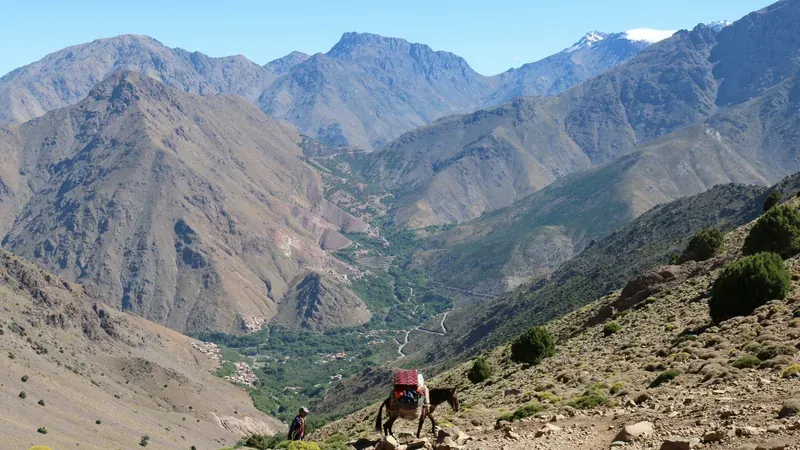
- Mobile coverage in Morocco can thin out in remote High Atlas valleys and around desert camps, so travelers should download offline maps of each region before a trip.
eSIM, US plan or local SIM: the options
| Option | Best for | Pros | Cons |
|---|---|---|---|
| Travel eSIM | Most visitors, trips up to a few weeks | Bought and installed at home, data on landing, no shop visit | Often data only: no Moroccan number |
| Your US carrier's international plan | Short trips, travelers who need their US number for calls | Nothing to install | Daily or plan fees can add up — check your carrier's Morocco rate |
| Moroccan SIM or eSIM (Maroc Telecom, Orange, inwi) | Long stays, travelers who need a local number | Moroccan number for calls to riads, drivers, guides | Shop visit with your passport after landing |
| Wi-Fi only | Travelers who want to disconnect | Free at most riads and hotels | Nothing on trains, in taxis, or in the medina when you are lost |
Our take: take the travel eSIM unless you have a clear reason not to. The moment you need data most is the first hour: messaging your driver, finding the gate of your riad, checking a train time. A travel eSIM covers that hour; a local SIM arrives after it.
Step 1: check your phone
Two things decide whether a Morocco eSIM will work: the phone must support eSIM, and it must be unlocked.
iPhone
- eSIM support. According to Apple, the iPhone XS, XS Max, XR and later models support eSIM. iPhone 14 and later models sold in the US have no SIM tray at all: they already run on eSIM.
- Carrier lock. Go to Settings > General > About and look at Carrier Lock. "No SIM restrictions" means you can add another company's eSIM.
Android
- eSIM support. On many Android phones, dialing *#06# shows an EID number, a sign the phone supports eSIM; otherwise, check your model's specifications. According to Google, all Pixel 4 and later phones work with eSIM; on a Pixel, the option is often under Settings > Network & internet > SIMs, but the menu name varies by Android version and brand: follow the provider's instructions. Samsung and other brands vary by model and by where the phone was sold: check your exact model's specifications with the maker or your carrier.
- Carrier lock. The menu depends on the brand; the surest answer comes from your carrier.
A locked phone will not take the eSIM. If your phone is still tied to your US carrier, for example on an installment plan, ask the carrier to unlock it before you buy anything. Unlocking rules are set by each carrier. As of October 2026, AT&T and Verizon both require the phone to be paid off, and AT&T also asks for more than 60 days of ownership, so do not wait until the week before your flight. Check your carrier's unlock page for the current conditions.
Step 2: pick a Morocco eSIM plan by trip length and use
Travel eSIMs for Morocco are sold by number of days and amount of data, with unlimited options for heavier use. As of October 2026, Airalo's Morocco page lists unlimited-data plans of 3, 5, 7 and 10 days, running on the Orange network.
| Your trip | How you use your phone | What to look for |
|---|---|---|
| A long weekend | Maps, messages, a few photos sent | A short plan with modest data |
| One week | Maps every day, messaging, photo uploads | A 7-day plan; unlimited if you share photos or video |
| 10 days to 2 weeks | Daily use, some video calls | A 10-day plan or longer, or a top-up |
| Hotspot for a second device | Laptop or a partner's phone | Check in the provider's plan terms that tethering is allowed |
Three things to read before you pay:
- When the plan starts. Some plans start counting days when you install them, others when you first connect in Morocco: the provider's plan page says which. Buy accordingly.
- Fair-use limits. Ask whether an "unlimited" plan slows down after a daily threshold: the plan terms spell out any fair-use policy.
- Phone number. Many travel eSIMs are data only: the plan page says whether yours includes a number. WhatsApp and other messaging apps still work over data, and many riads and drivers in Morocco use WhatsApp to coordinate pickups.
Step 3: install before you fly
Install the eSIM at home, on Wi-Fi, a few days before departure: the download needs an internet connection, and the airport is the worst place to troubleshoot.
- Buy the plan on the provider's site or app; you receive a QR code or an in-app install button.
- Install it. On iPhone, Apple's steps go through the QR code or the provider's app; on Android, often through Settings > Network & internet > SIMs, though the menu name varies by Android version and brand: follow the provider's instructions.
- Name the line "Morocco" so you can tell it apart from your US line.
- Leave it switched off until you land if the plan starts on installation; check the provider's instructions.
When you land:
- Turn on the Morocco line and turn on data roaming for that line only.
- Set it as the line for cellular data: on iPhone, under Settings > Cellular > Cellular Data.
- Keep your US line on if you need texts such as bank codes, but turn off its data roaming to avoid charges. Calls and texts on your US line may still be billed abroad: check your carrier's international rates.
Screenshot the install code. If you change phones, reset settings or need to reinstall, the provider's support will ask for it.
eSIM vs a local SIM card
A Moroccan SIM from Maroc Telecom, Orange or inwi gives you a local number and local rates. The catch is the paperwork: Moroccan rules have required a passport to register a prepaid SIM since 2014, and operators must identify every subscriber for the ANRT, the telecom regulator. That means a stop at an operator's shop or counter after you land, with your passport. Ask your operator whether it has a counter at Marrakech Menara airport or only in town.
The Moroccan operators may also offer eSIMs; ask each one how it registers them, since the identification rules apply to every SIM subscriber.
| Travel eSIM | Moroccan SIM or eSIM | |
|---|---|---|
| Where you buy it | Online, before the trip | Shop or counter in Morocco |
| Passport needed | Check the provider's terms | Yes |
| Moroccan phone number | Often no — check the plan | Yes |
| Data on landing | Yes | After you buy it |
| Best for | Trips up to a few weeks | Long stays, frequent local calls |
Coverage outside the cities
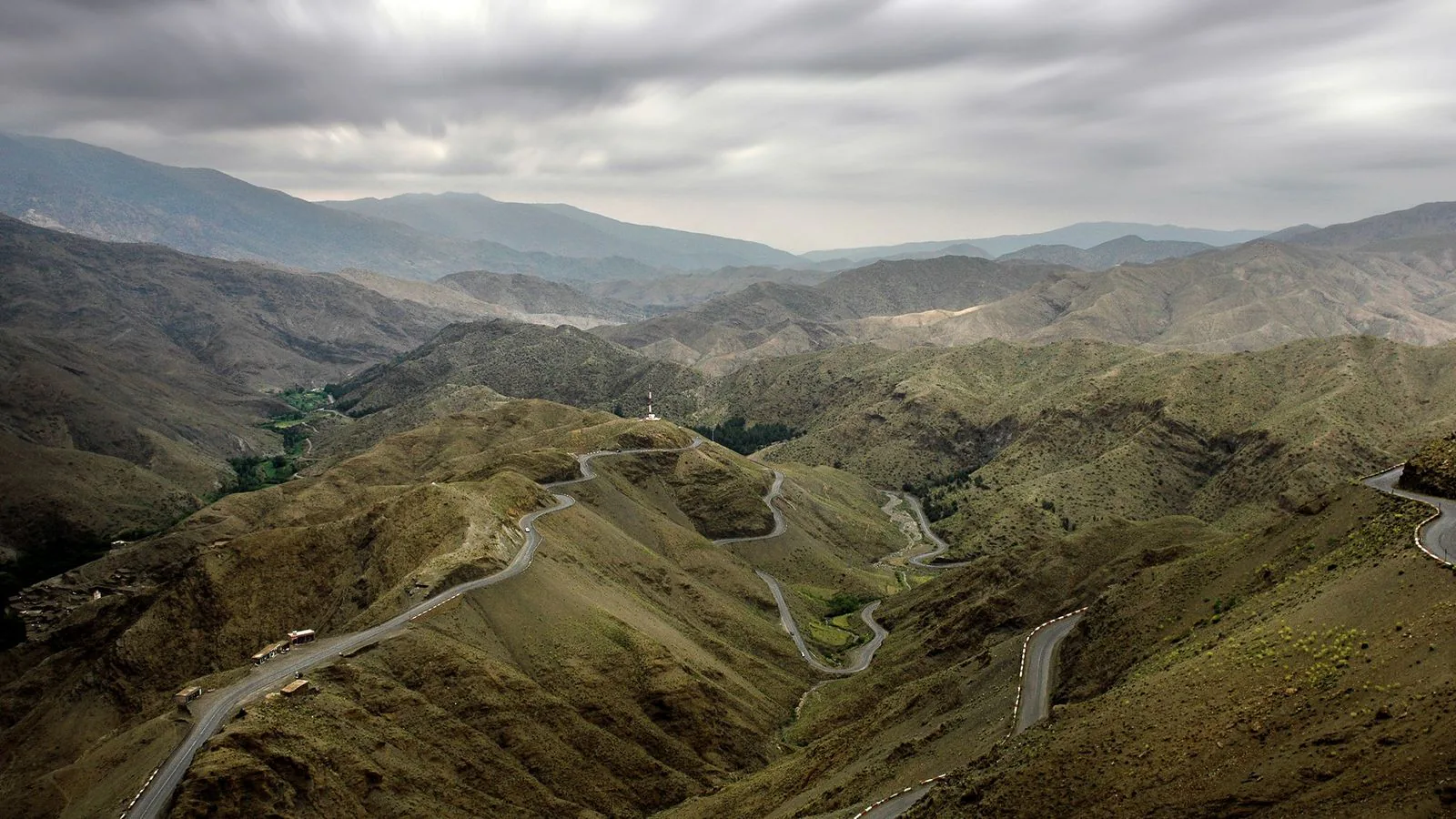
In Marrakech, Fes, Casablanca and along the main roads, coverage is generally reliable. It thins out in the High Atlas valleys, on some mountain passes and around desert camps: check the coverage map of the operator your eSIM runs on. Plan for it:
- Download offline maps of each city and of your road trip route before you leave Wi-Fi.
- Save your bookings offline: riad address and phone, train e-tickets, transfer confirmation.
- Driving yourself? Navigation depends on data for traffic but works offline once maps are downloaded; our guide to renting a car in Morocco covers what else to prepare for the road.
What staying connected costs
Staying connected in Morocco
Checked October 2026Best option by situation
| Situation | Best option | Alternative |
|---|---|---|
| First trip, one week | Travel eSIM, 7 days | US carrier plan |
| Phone locked to your US carrier | Ask your carrier to unlock it before departure | US carrier international plan |
| Older phone without eSIM | Moroccan SIM card with your passport | US carrier plan |
| You need a Moroccan number | Moroccan SIM or eSIM | Travel eSIM + WhatsApp |
| Road trip through the Atlas | Travel eSIM + offline maps | Moroccan SIM + offline maps |
| Landing after dark | eSIM installed at home, plus a pre-booked pickup | Airport Wi-Fi to message your riad |
Arriving late? A working phone and a driver waiting with your name make the first hour easy: see how a Marrakech airport transfer compares with the taxi and the bus.
Before you fly
Before you fly to Morocco
0 / 8 doneFAQ
Do I need an eSIM in Morocco?
You need data in some form: for maps, messages to your riad and train tickets. A travel eSIM is the easiest way to have it from the moment you land.
Will my US phone work in Morocco?
Yes, if it is unlocked, or through your US carrier's international plan. Check your carrier's Morocco rates before you rely on roaming.
Can I buy a Morocco eSIM after I land?
Yes, if you can get online, for example on airport or riad Wi-Fi. Installing at home is easier: you avoid troubleshooting in the arrivals hall.
Do I need a passport for a SIM card in Morocco?
For a Moroccan SIM, yes: Moroccan rules require identification, a passport for foreigners. For a travel eSIM bought online, check the provider's terms to see whether it asks for identity details.
Does a Morocco eSIM give me a phone number?
Often not: many travel eSIMs are data only, so check the plan page before you buy. You can still call and message over apps like WhatsApp; for a Moroccan number, buy a local SIM.
How much data do I need for a week in Morocco?
It depends on how you use your phone. Maps and messages use little; uploading photos and video uses much more. If in doubt, an unlimited plan avoids running out mid-trip.